

The Dictation You Trust,
+ The AI You’ve Been Waiting to Try.
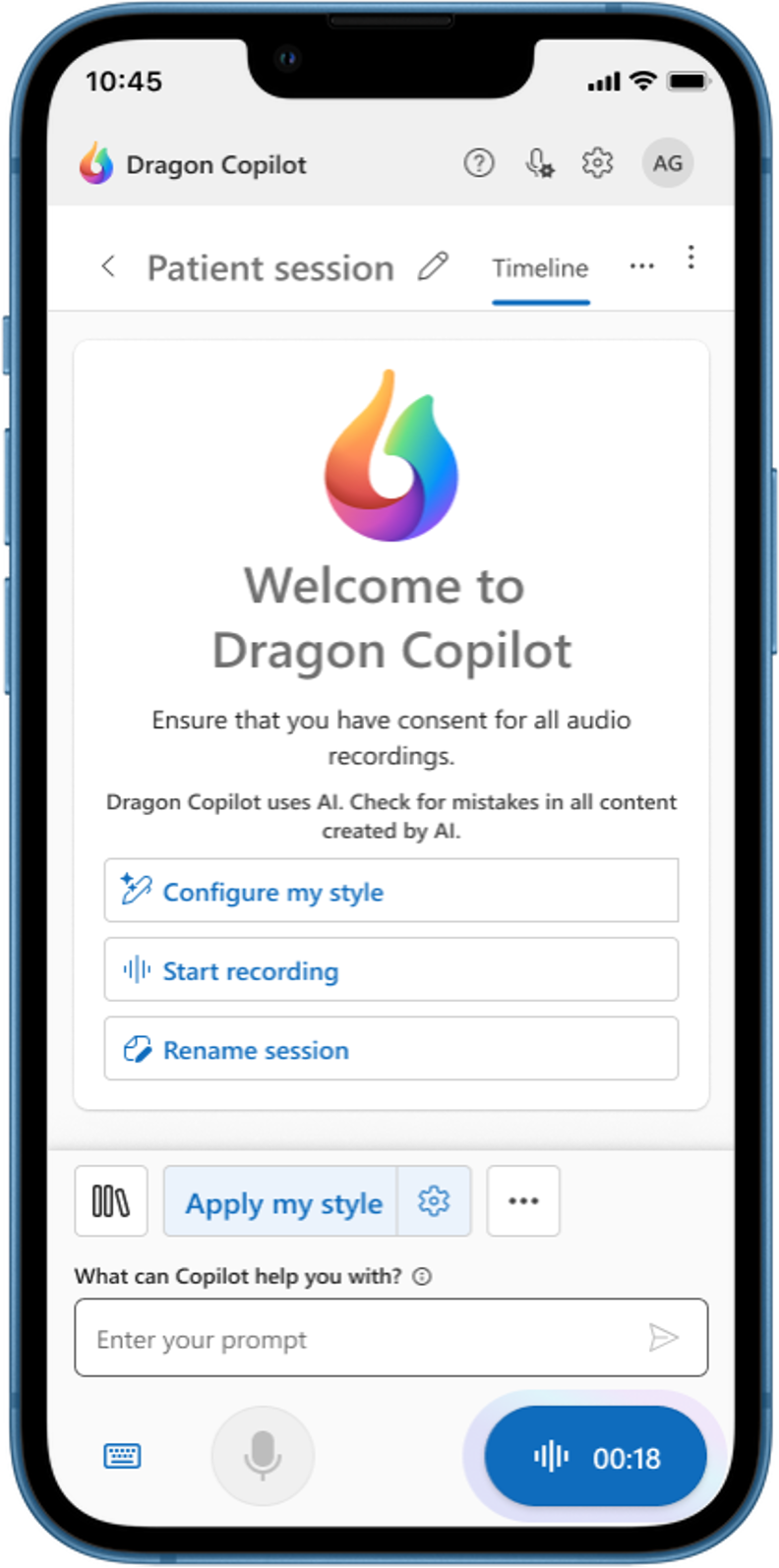
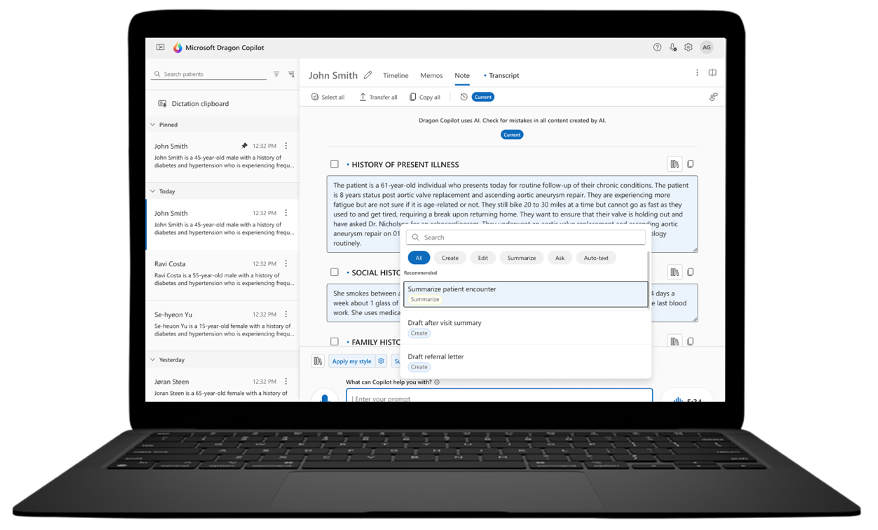
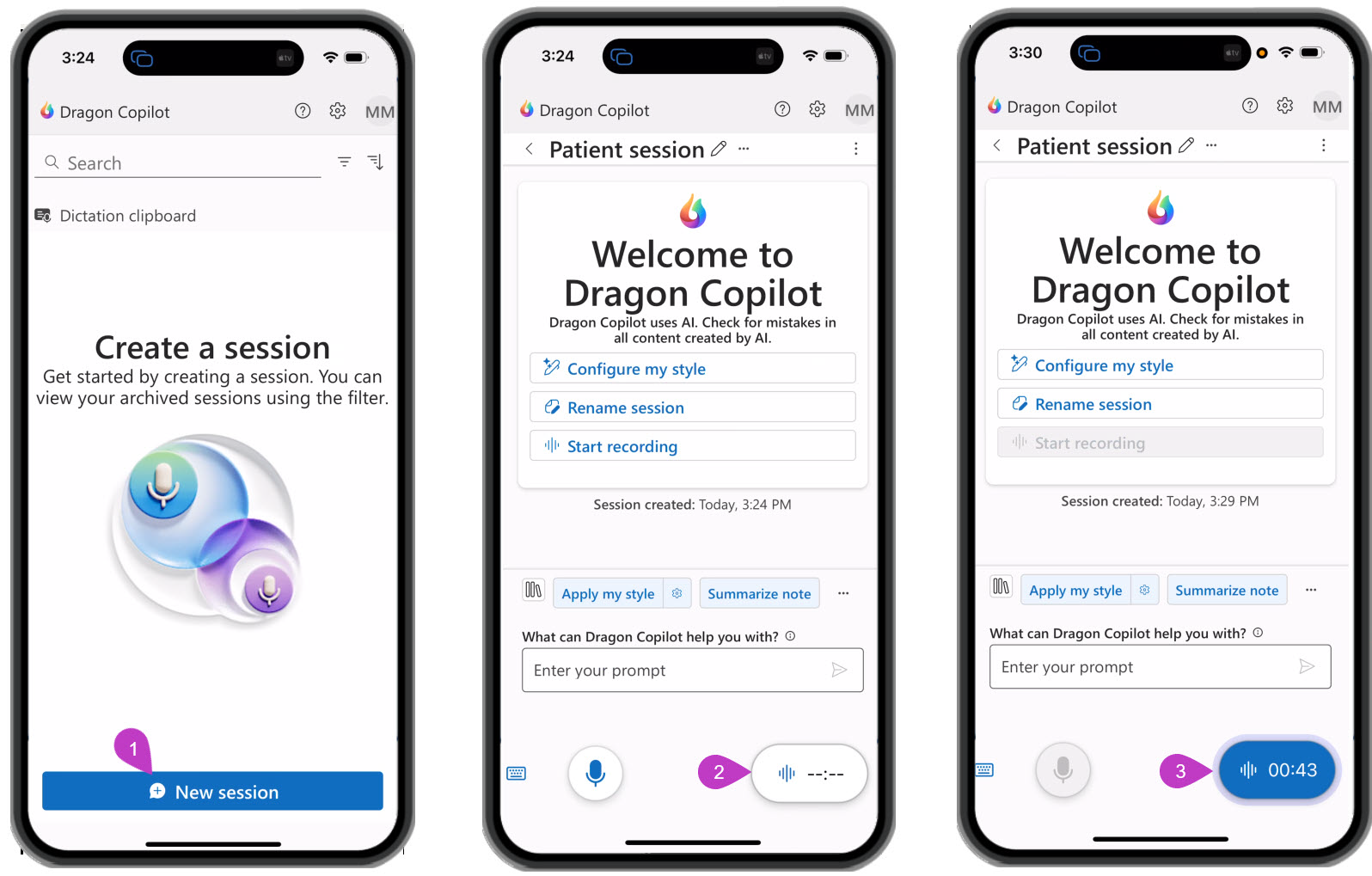
The Dragon Copilot Physician Flex license gives you front-end speech recognition built on the same core engine as Dragon Medical One,
plus 10 AI-assisted sessions every month at no extra charge.
Not every physician is ready to hand their documentation over to AI, and you shouldn’t have to commit to a full AI license just to find out if it’s right for you. The Physician Flex license was designed for exactly that. It’s built on the same core medical speech engine as Dragon Medical One: dictate naturally, watch text appear at your cursor in the destination application, and access the auto-texts, step-by-step commands, and speech profiles you may have already built. Microsoft is rolling out the remaining Dragon Medical One dictation features through regular updates, so the dictation experience grows more complete with every release. And every month, you get 10 AI-assisted sessions at no charge, so you can experience ambient AI note creation on real patient visits, on your schedule, at no added cost.

10 AI-Assisted Sessions Every Month.
Included Free.
During an AI-assisted session, Dragon Copilot listens to your natural conversation with the patient and drafts the clinical note for you, no dictation required. Every Flex license includes 10 of these sessions per month at no charge. Use them on your most documentation-heavy visits, see what ambient AI can do, and decide for yourself whether a full Dragon Copilot license is your next step.
Sessions reset on the 1st of every month
Included with every Flex license, automatically
Your front-end dictation stays unlimited, always
The Dragon Dictation Core You Trust. With AI Built In.
Trusted medical dictation.
The core dictation capabilities of Dragon Medical One are built into Dragon Copilot, with more DMO features arriving in regular updates.
Work anywhere. Available on the desktop, on the web, and on mobile.
Dictate where you work.
Text appears at your cursor in the destination application, exactly where you’re working.
Your shortcuts come with you.
Access your existing auto-texts, step-by-step commands, and speech profiles, and create new ones to store in your library.
Memos and structured notes.
Capture quick memos on the fly and build structured notes right in the Dragon Copilot interface.
A monthly taste of ambient AI.
10 AI-assisted sessions per month included free, with ambient listening that turns a patient conversation into a drafted note.
Which Dragon is Right for You?
| Dragon Medical One | Dragon Copilot Flex | Dragon Copilot (Full) | |
|---|---|---|---|
| Front-end dictation | Yes – the most complete feature set today | Yes – unlimited, core DMO features (more arriving in updates) | Yes – unlimited, core DMO features (more arriving in updates) |
| Ambient AI notes | No | 10 sessions/month free | Unlimited |
| AI assistant features | No | During AI sessions | Yes – full access |
| Platforms | Windows | Desktop, web, mobile | Desktop, web, mobile |
| Best for | Pure dictation users | Dictation now, AI-curious | Full AI documentation |
| Prepaid Annual | Monthly | |
|---|---|---|
| First payment | $1,277 CDN ($300 one-time fee + $977/year) | $400 CDN ($315 one-time fee + $85.47 first month) |
| Months 2–12 | Included | $85.47 CDN/month |
| Renewal | $977 CDN/year + $136 yearly maintenance fee | $85.47 CDN/month + $136 yearly maintenance fee |
Frequently Asked Questions
What is an AI-assisted session?
It’s one patient encounter documented with Dragon Copilot’s ambient AI. You and your patient speak naturally; Dragon Copilot listens and drafts the clinical note for you to review and finalize. Every Flex license includes 10 of these per month at no charge.
What happens when I’ve used my 10 sessions?
Your front-end dictation continues without limits, always. Your AI sessions reset on the 1st of the next month. Unused sessions don’t roll over. If you find yourself wanting AI on every visit, that’s your sign to ask us about a full Dragon Copilot license.
I use Dragon Medical One today. Will my shortcuts carry over?
Your auto-texts, step-by-step commands, and speech profiles are accessible in Dragon Copilot, and you can keep building new ones in your library. A small number of advanced customizations are still being migrated, so ask us if there is a specific workflow you rely on and we will confirm it is supported.
Does Flex have every dictation feature Dragon Medical One has?
Not yet, and we believe in telling you that up front. The core Dragon Medical One dictation capabilities are already built in, and Microsoft is releasing the remaining features on a regular update schedule. If you need the most complete dictation feature set available today, Dragon Medical One is still the better choice, and we are happy to start you there. Flex is for physicians who want trusted dictation plus a free monthly window into ambient AI.
Does this work with my EHR?
We sell Dragon Copilot as a standalone license. You dictate at your cursor in the destination application and work in the Dragon Copilot interface. Any EHR integration capability requires a separate, client-managed agreement with Microsoft and is not part of our license offering.
What devices can I use it on?
Dragon Copilot Flex is available on the desktop, on the web, and on mobile, so you can document from the office, the hospital, or on the go.
Should I choose Flex or Dragon Medical One?
If you want the most proven and complete pure dictation workflow available today, Dragon Medical One is still our go-to recommendation. If you want trusted core dictation plus the chance to try ambient AI on 10 visits a month at no extra charge, choose Flex. Not sure? Contact us and we’ll help you decide.
Microsoft Dragon Copilot Flex Product Roadmap
Available Now
In the productComing Soon
In progressDictation Today. AI Tomorrow. One License.

Get the medical speech recognition physicians have trusted for decades, with 10 free AI-assisted sessions every month to explore what’s next.